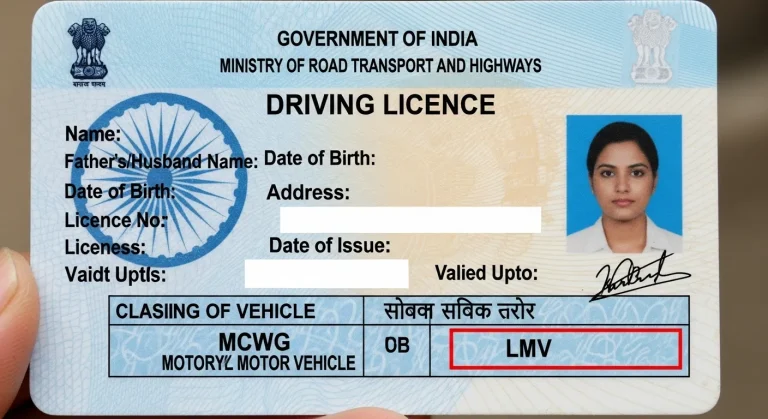
Driving Licence Test Online Pass Easily from Home
In India, getting a driving licence has become easier than ever. Now, you can take the driving licence test online without going to the RTO. Many states let you apply for a learner’s licence and take the test from home using your phone or computer. The test checks your identity through Aadhaar and uses a webcam or phone camera to monitor you while you answer the questions.
Even though it’s online, the test is still important. You’ll be asked about road signs, traffic rules, and safe driving habits and you need to pass to move forward. In this guide, we’ll explain how the online test works, what kind of questions to expect, and how to prepare so you can clear it on your first try with confidence.
What Is the Driving Licence Test Online?
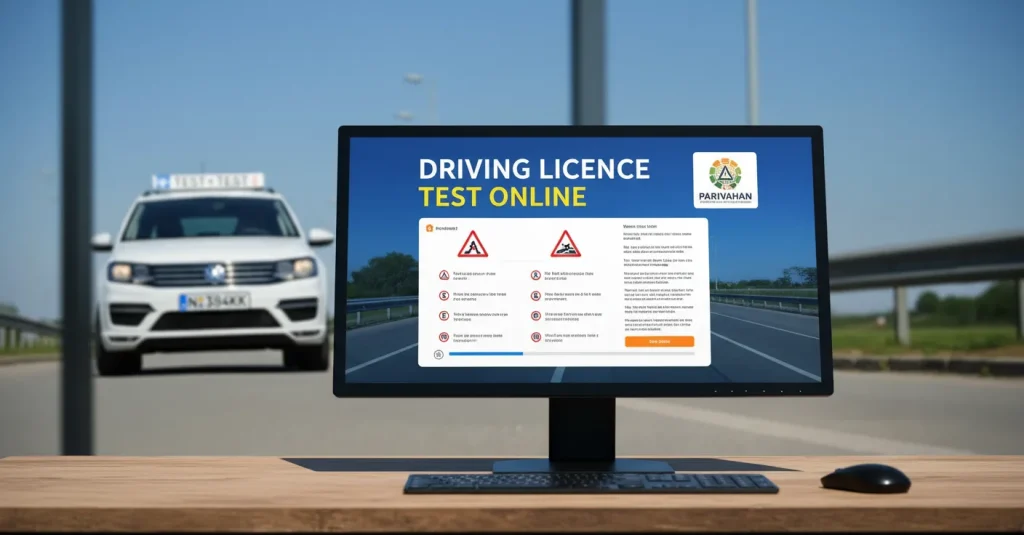
The driving licence test online is a digital test you can take from home to get your learner’s licence in India. Instead of visiting the RTO, you apply online, verify your identity using Aadhaar, and take the test on your phone or computer. The system uses your camera to monitor you during the test. It’s safe, quick, and now available in most Indian states through the Sarathi Parivahan portal or the state’s transport website.
The test checks your basic knowledge of traffic rules, road signs, and safe driving habits. You’ll answer multiple-choice questions (MCQs) in a limited time, usually around 10–15 minutes. The test is available in English, Hindi, and regional languages. Here’s a quick overview:
| Test Details | Info |
| Mode | Online (from home) |
| Test Type | MCQs (Multiple Choice Questions) |
| Topics Covered | Traffic signs, road safety, basic rules |
| Time Limit | 10–15 minutes |
| Languages | English, Hindi & regional options |
| Monitoring | Through webcam or phone camera |
| Result | Instant – pass/fail shown on screen |
How to Apply for the Driving Licence Test Online
Applying for the driving licence test online in India is easy if you follow the right steps. Most states now let you apply through the Sarathi Parivahan website, which is the official portal managed by the Ministry of Road Transport and Highways.
Step-by-Step Application Process:
- Visit the Portal
Go to sarathi.parivahan.gov.in and select your state from the dropdown menu. This will take you to your state’s RTO system. - Choose ‘Apply for Learner’s Licence’
Select the option for a new learner’s licence and start your application. - Fill in the Details
Enter your name, age, address, and select the type of vehicle you want a licence for (like gearless scooter, bike, car, etc.). - Upload Documents
You’ll need to upload:
- Aadhaar card (for ID and address proof)
- Date of birth proof (like a birth certificate or school certificate)
- Passport-size photo and your signature (scanned)
- Pay the Fees
The application and test fee can be paid online using UPI, debit/credit card, or net banking. The fee is usually around ₹150–₹350 depending on your state. - Book Your Test Slot
Choose a date and time for your online learner’s licence test. In most states, the test can be taken from home with your webcam or phone camera turned on. - Take the Test
The test includes multiple-choice questions about traffic signs, road rules, and safe driving. You need to pass to get your learner’s licence. - Download Your Learner’s Licence
- Once you pass the test, you can download your learner’s licence directly from the portal. No need to visit the RTO.
Quick Facts
| Requirement | Details |
| Minimum Age | 16 years (gearless 2-wheelers), 18+ for others |
| ID Proof | Aadhaar, Passport, Voter ID |
| Application Mode | 100% Online |
| Test Location | At home (via webcam or mobile) |
| Test Type | MCQs (multiple choice questions) |
| Passing Score | 60–80% (varies by state) |
Driving Licence Test Questions What to Expect
The online driving licence test in India mostly includes multiple-choice questions (MCQs). These questions are designed to check if you understand the basic traffic rules, road signs, and safe driving habits as per Indian laws.
Most tests include 10 to 15 questions, and you’ll usually get 10 to 15 minutes to complete them. To pass, you’ll need to answer at least 6 to 12 questions correctly, depending on your state’s rule (60%–80%).
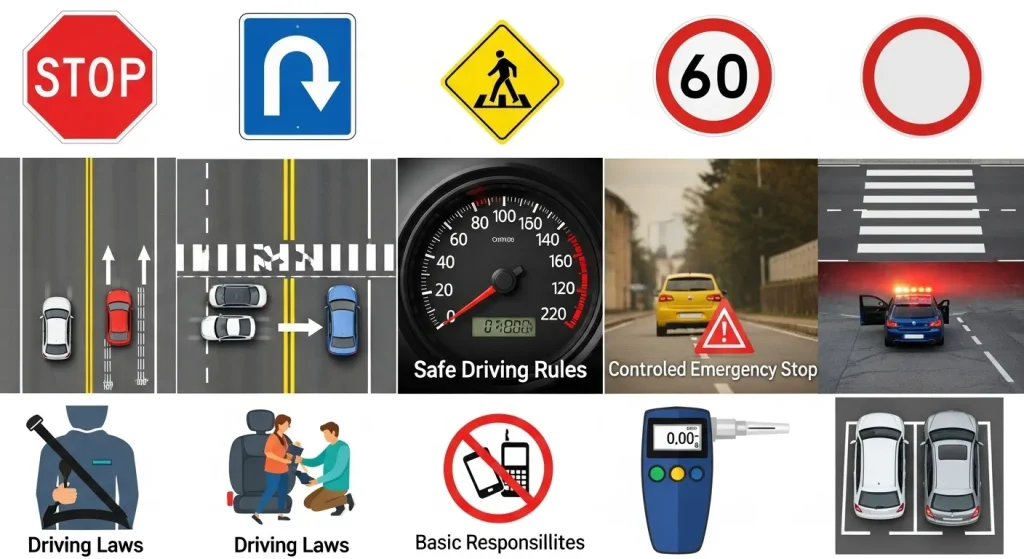
Topics Covered in the Test
- Traffic signs (stop sign, U-turn, pedestrian crossing, speed limits)
- Road markings (lane rules, zebra crossing, yellow/white lines)
- Safe driving rules (overtaking, speed control, emergency situations)
- Driving laws in India (use of seatbelt, mobile phone use, alcohol limits)
- Basic responsibilities (helping accident victims, parking rules)
Question Format
| Feature | Details |
| Type | Multiple Choice Questions (MCQ) |
| Total Questions | 10 to 15 |
| Time Limit | 10 to 15 minutes |
| Passing Score | 60% to 80% (varies by state) |
| Languages | English, Hindi & regional languages |
| Attempt Format | Online (webcam/mobile monitored) |
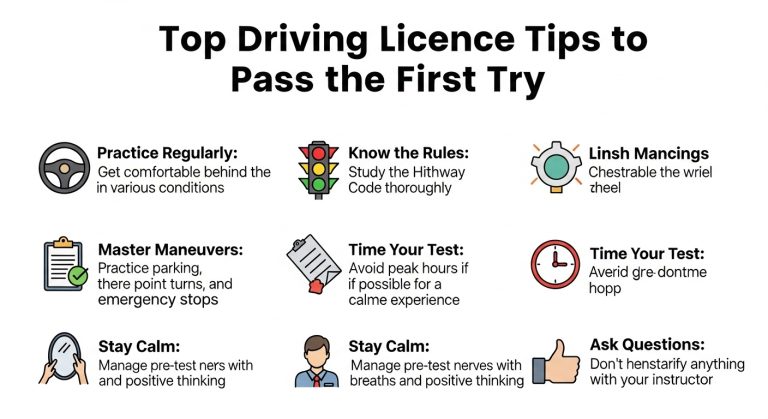
Tips for Success
The questions may look simple, but they can be tricky if you don’t study. Many people fail on their first try just because they underestimate how specific the questions are especially around road signs and right-of-way rules.
Use Mock Test Websites
Several free websites and apps offer mock tests that are similar to the real thing. These help you get used to the format, timer, and type of questions.
Popular options:
- Driving-Tests.in
- Parivahan.gov.in (some states offer direct practice tests)
- State RTO sites like Maharashtra RTO or Telangana Transport
Try Mobile Apps
Apps like RTO Exam, LLR Test India, or DL Test Preparation are available on the Play Store. They include:
- Practice quizzes
- Question banks in regional languages
- Real-time test simulations
Study Tips That Actually Work
- Focus on traffic signs first — they’re always in the test.
- Practice daily for 3–5 days before your test date.
- Use flashcards for road symbols and markings.
- Don’t skip questions you find boring — they might show up.
Common Mistakes to Avoid
- Ignoring regional language settings (some questions may switch languages).
- Not checking your webcam/microphone before the test.
- Leaving answers blank attempt every question.
FAQs
Conclusion
The driving licence test online is a convenient, time-saving way to get started on your journey as a legal driver in India. It’s designed to test your basic understanding of the road not to make you fail.
With a little practice, the right preparation, and a calm mindset, you can pass it easily from the comfort of your home. Make sure to read the rules, study key topics, take mock tests, and double-check your tech setup before you begin.